Choose from hundreds of email templates


Create an email campaign
Die Leute lieben PosterMyWall
-
“
As a branding & marketing consultant, this is an amazing tool to have in my arsenal! I use their professionally made templates to easily create posts in minutes, making me look like a graphic design & marketing genius!
 Camille JamersonBranding Consultant
-
“
Great experience. Easy and nice looking! I can add my own photos and backgrounds to create event invitations for shows. Facebook compatible!
Morgan BEvent manager -
“
Great site that allows me to create EXCELLENT flyers for our events! I've been using this site for a couple of years and it has not failed me yet!
Ashley HamptonMarketer


Kundenrezensionen lesen
How to create an email campaign
-
Wählen Sie eine E-Mail-Vorlage
Wählen Sie aus Tausenden von professionell gestalteten E-Mail-Vorlagen für jedes Unternehmen, jede Veranstaltung oder jeden Anlass.
-
Personalisieren Sie Ihre E-Mail mit einem einfachen Tool
Fügen Sie Ihr Logo, Bilder, Videos, Schriftarten, Sticker, Audioclips und mehr hinzu. Verwenden Sie Brand Kits für konsistente, markenspezifische Designs.
-
Sehen Sie sich eine Vorschau Ihrer E-Mail an oder laden Sie die HTML-Datei herunter
Laden Sie das E-Mail-HTML kostenlos herunter oder sehen Sie sich Ihre E-Mail auf Desktop, Tablet und Mobilgerät an, um zu sehen, wie sie auf verschiedenen Bildschirmen aussieht.
-
Veröffentlichen Sie Ihre E-Mail-Kampagne
Fügen Sie eine Mailingliste hinzu und senden Sie Ihre E-Mail direkt von PosterMyWall aus.
Featured email templates for every need


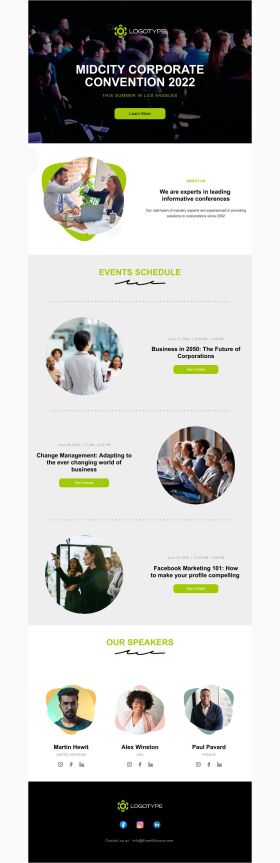


Announcement

Back in Stock

Coming Soon

Daily Specials
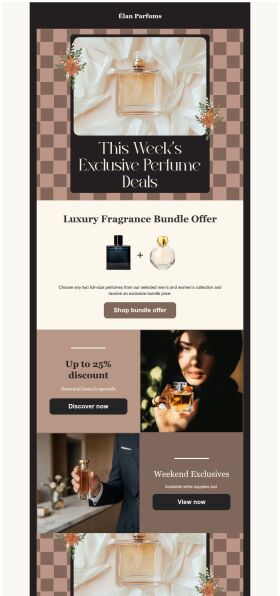
Deals and Bundles
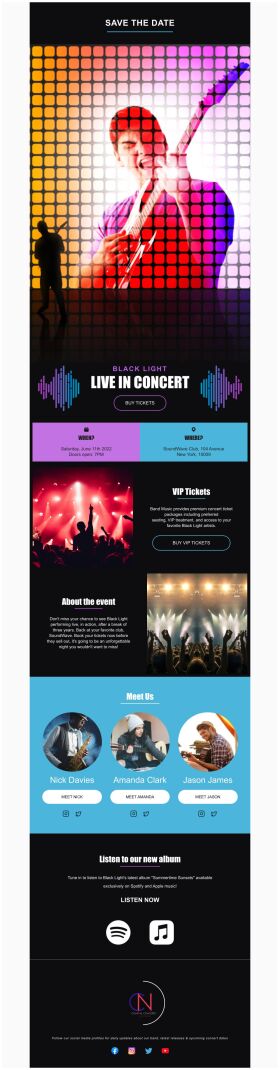
Event Promotion

Event Schedule
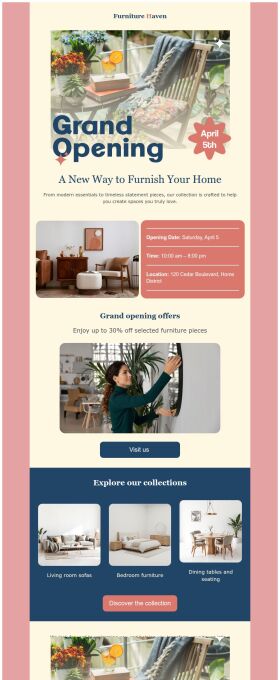
Grand Opening


Häufig gestellte Fragen
How do I create and send my email campaign?
Create an email campaign by customizing an email template from the gallery. Add photos, videos, stickers, buttons, tables, social links, or your own designs from PosterMyWall with our easy-to-use drag-and-drop Email Maker. Free users can export the email in HTML format, and Premium subscribers can publish it directly from PosterMyWall.
How does an email marketing campaign work?
Email marketing campaigns are essential to boost sales, maintain relations with customers and collect feedback. Use our email maker to promote special offers, introduce new products, exclusive brand deals, welcome new customers, and much more.
How to implement email segmentation strategies using an email maker?
To effectively use email maker, first build an email list of potential clients for your business. You can get it through a subscription program or sign-in form on your website. Next, divide your list based on different market segmentations and customize an engaging email campaign targeting each group's needs. Later, track the campaign's performance.
How many people can I send emails to?
You can export your email as an HTML file on the free plan, then send it via your email service provider like Gmail, Hotmail etc. If you’re subscribed to the Premium or Premium Plus plan, you can send 3000 emails and 10,000 emails per month respectively with PosterMyWall’s Email Marketing Platform.