Sie scheinen einen alten Webbrowser zu benutzen - die meisten Optionen funktionieren nicht. Bitte aktualisieren Sie Ihren Browser.
Snappa Alternatives: Best Graphic Design Tools for Fast, Simple Visual Content
Last Updated:
Creating high-quality visual content quickly is essential for marketers, bloggers, and small business owners. That’s where tools like Snappa come in. Known for its speed and simplicity, Snappa has earned a loyal following for helping non-designers create eye-catching graphics in minutes.
But as content demands grow—and social platforms prioritize video, animation, and multichannel publishing—Snappa might not offer everything you need. In this guide, we’ll explore what Snappa does well, what to look for in a fast design platform, and how 10 top alternatives compare.
What is Snappa?
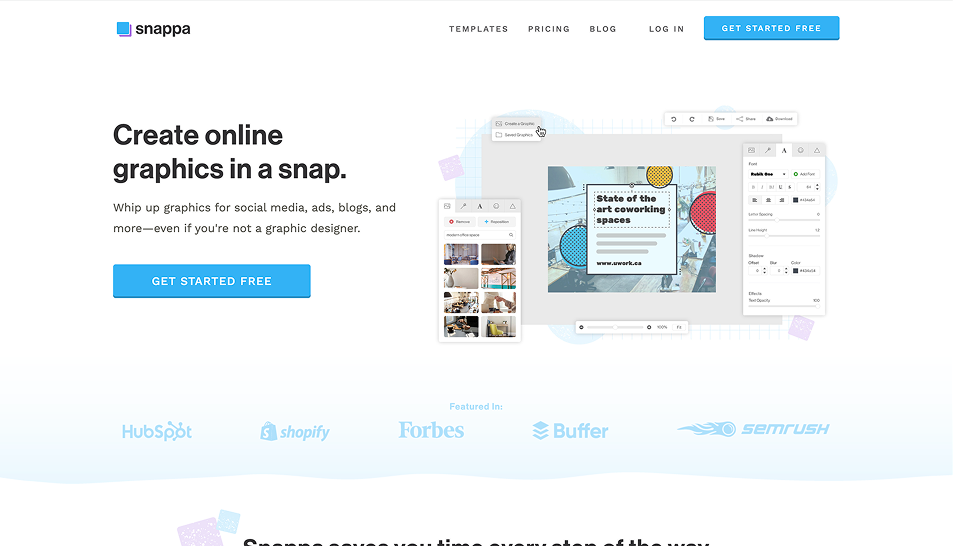
Snappa is a cloud-based graphic design tool built with speed and simplicity in mind. It helps users create polished visuals using pre-made templates, drag-and-drop editing, and a built-in stock image library—without the complexity of tools like Photoshop or Illustrator.
Key Features of Snappa
Quick Templates for Social Media: Snappa offers dozens of pre-sized templates for platforms like Instagram, Facebook, Twitter, and YouTube, making content creation fast and platform-ready.
Drag-and-Drop Editing: The interface is clean and beginner-friendly, allowing users to create or customize graphics without design experience.
Stock Image and Icon Library: Users get access to thousands of royalty-free stock photos and vector icons directly within the platform.
One-Click Resize: Instantly adjust your designs for multiple platforms without starting over—a major time saver for busy marketers.
Team Collaboration (Pro Plans): Share and collaborate on visuals, making Snappa useful for small teams managing content together.
Cloud-Based Platform: No need to install software—everything runs in your browser.
What to Consider When Choosing a Snappa Alternative
While Snappa is great for static social media graphics, you may need more flexibility, automation, or publishing features as your content strategy evolves. Here are key considerations when evaluating alternatives:
Template Variety: Does the platform offer more than social graphics—such as video, print, presentations, email headers, and infographics?
Ease of Use: Is the interface intuitive for beginners, yet powerful enough for experienced users to work efficiently?
AI and Automation: Features like background removal, smart resizing, and auto-generated text can save hours of design time.
Support for Video and Animation: Can the tool handle dynamic content such as reels, animated social posts, or video ads?
Built-in Publishing & Scheduling: Some tools allow you to publish content directly to social media or email channels—ideal for streamlining workflows.
Team Collaboration & Brand Kits: Does the tool support brand asset management, shared folders, or real-time collaboration?
Image & Asset Libraries: Access to high-quality stock content and icons can elevate your designs without requiring extra subscriptions.
Absolutely! Here's the fully expanded version of the “Snappa vs Alternatives” section with deeper, richer descriptions of each tool. These now go beyond feature lists to include why each tool matters, realistic use cases, and how each stacks up to Snappa—making it easier for readers to make informed comparisons.
10 Best Snappa Alternatives
1. PosterMyWall
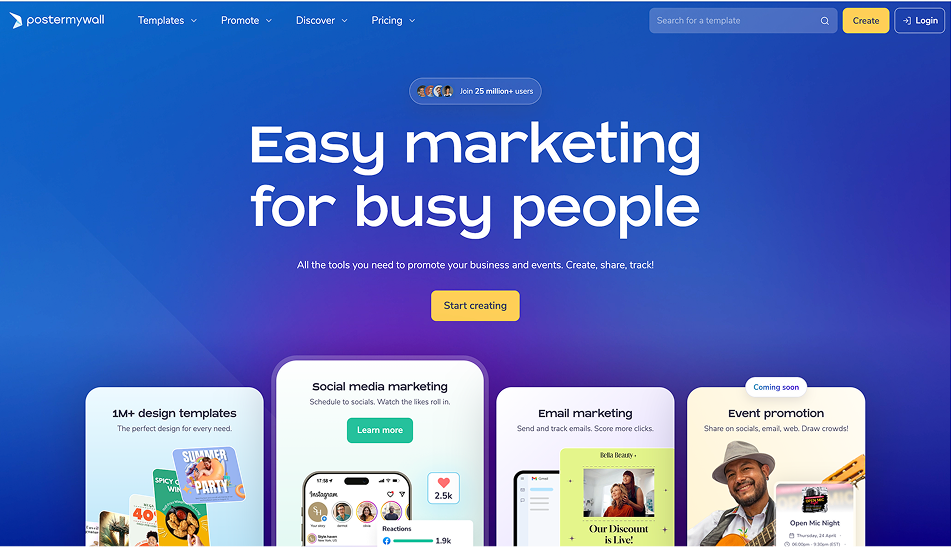
PosterMyWall is a one-stop-shop for content creation and marketing. Unlike Snappa, which focuses only on static image creation, PosterMyWall supports image, video, animation, social publishing, and even email marketing—all from a single platform.
Why It’s a Top Snappa Alternative:
If you're looking to scale beyond basic visuals and start managing your content creation and distribution workflow in one place, PosterMyWall has you covered. It’s perfect for users who want to publish fast, keep things professional, and avoid juggling multiple tools.
Key Advantages:
Massive, Industry-Specific Template Library: From animated restaurant menus to event flyers, school newsletters, church promos, and social posts—PosterMyWall has designs for nearly every use case and audience.
AI Design Tools: Speed up your work with background remover, smart resize, and AI-generated text that helps fill in copy or design descriptions fast.
Integrated Video Creation: Edit, trim, and customize motion-based content using easy drag-and-drop video templates—ideal for creating reels, video ads, and digital signage.
Built-In Publishing & Email Campaigns: Create a post and immediately schedule it to social platforms or include it in an email blast—all from one dashboard.
Collaboration & Sharing: Team-friendly features allow you to share designs via links, invite contributors, or store brand assets for consistent output.
Best For:
Small business owners, educators, nonprofits, solopreneurs, and anyone who wants to design and market from one easy-to-use platform.
2. Canva
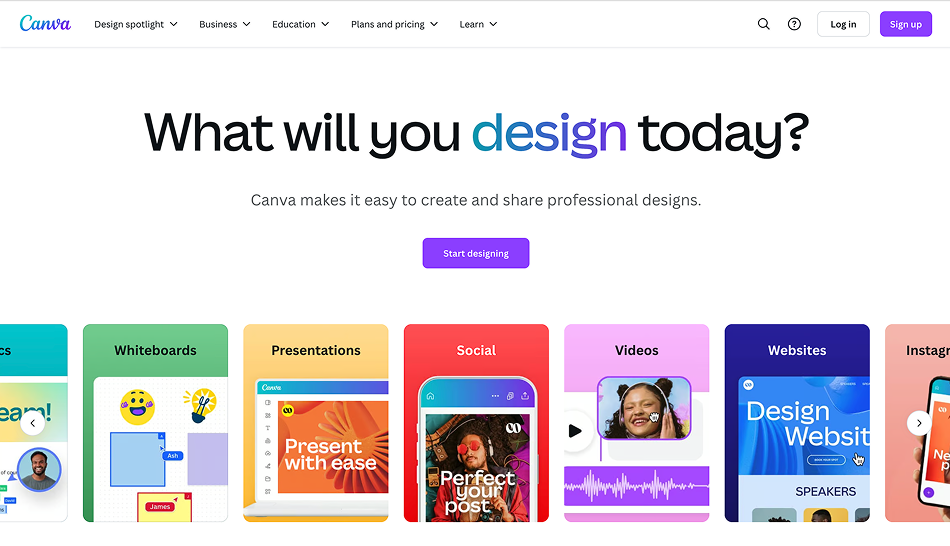
Canva is a robust visual content creation platform with everything from business cards and videos to websites and social media graphics. It offers a huge variety of templates and advanced brand management tools.
Why It’s a Snappa Alternative Worth Considering:
If you're managing a team or working across multiple content types, Canva's collaboration tools, brand kits, and design versatility give it a major edge.
Key Advantages:
Endless Design Formats: Canva supports everything from social media posts to printed brochures, presentations, business proposals, video reels, and websites.
Collaboration and Team Access: Teams can co-create in real-time, leave feedback in-app, and store brand assets in organized folders—great for agencies or in-house teams.
Smart Features: Canva’s Magic Resize, AI-powered content suggestions, and AI writing tools (like Magic Write) help automate the creative process.
Content Scheduler: Pro users can schedule posts directly to Facebook, Instagram, and more—eliminating the need for separate scheduling software.
Best For:
Design teams, agencies, and marketers who need a collaborative workspace with flexibility across design types.
3. VistaCreate
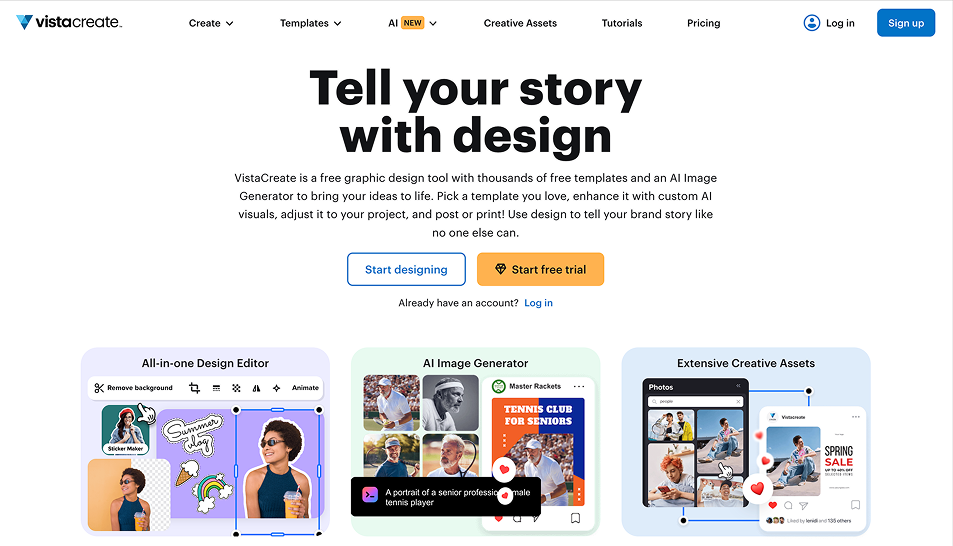
VistaCreate (formerly Crello) focuses on bold, animated content ideal for social media. It provides high-quality templates that work well for Instagram Stories, reels, ads, and dynamic blog visuals.
Why It’s a Great Snappa Alternative:
VistaCreate offers a sleek design experience, similar to Canva, but places more emphasis on animation and motion graphics—something Snappa doesn’t offer at all.
Key Advantages:
Animation-Ready Templates: Easily apply motion to text, elements, and backgrounds for eye-catching stories or promo videos.
Mobile-Optimized Content: Most templates are already optimized for mobile-first platforms like TikTok, Instagram, and YouTube Shorts.
Photo & Video Editor: Trim, crop, and customize video clips or edit images in-platform without switching tools.
Brand Kits & Asset Storage: Helps maintain consistency across content with brand colors, fonts, and logos stored in your dashboard.
Best For:
Social media marketers, influencers, or content creators looking to build dynamic, engaging visuals for mobile audiences.
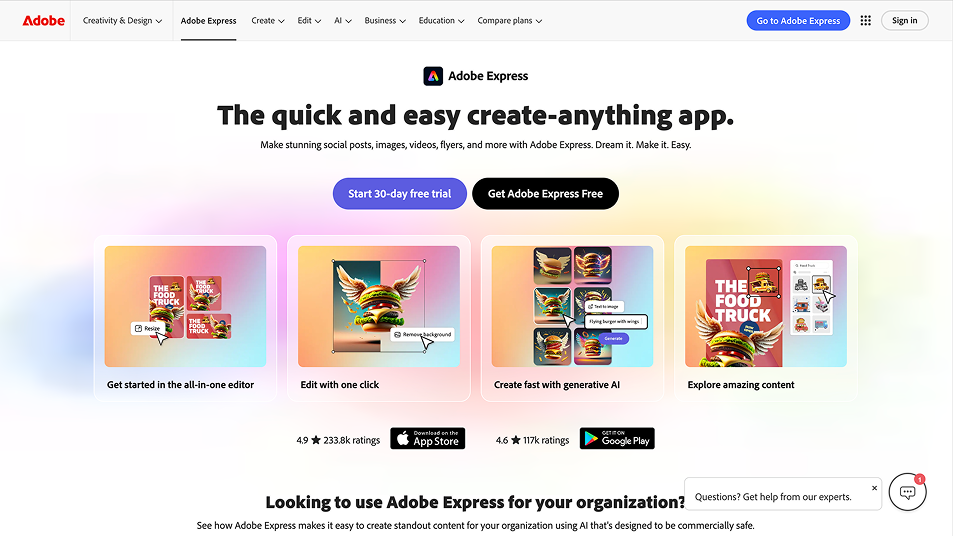
4. Adobe Express
Adobe Express is Adobe’s lightweight, web-based design tool. It takes the power of Adobe's design legacy and packages it into a simplified format for fast, professional visuals.
Why It’s a Powerful Snappa Alternative:
With access to Adobe Stock assets, Adobe Fonts, and integration with Creative Cloud, Adobe Express is a natural fit for users who want elevated visual output without complex software.
Key Advantages:
Premium Templates: Designs are slick, modern, and professional—ideal for business users and branded content.
Adobe Integration: Users can switch seamlessly between Adobe Express, Photoshop, and Illustrator if deeper edits are needed.
Quick Editing Tools: Remove backgrounds, apply motion to text, and resize content using intuitive smart tools.
Polished Design Ecosystem: Adobe Express stands out when you need sleek designs that fit perfectly with corporate branding and standards.
Best For:
Professionals who need fast design but still want the high-quality results associated with Adobe tools.
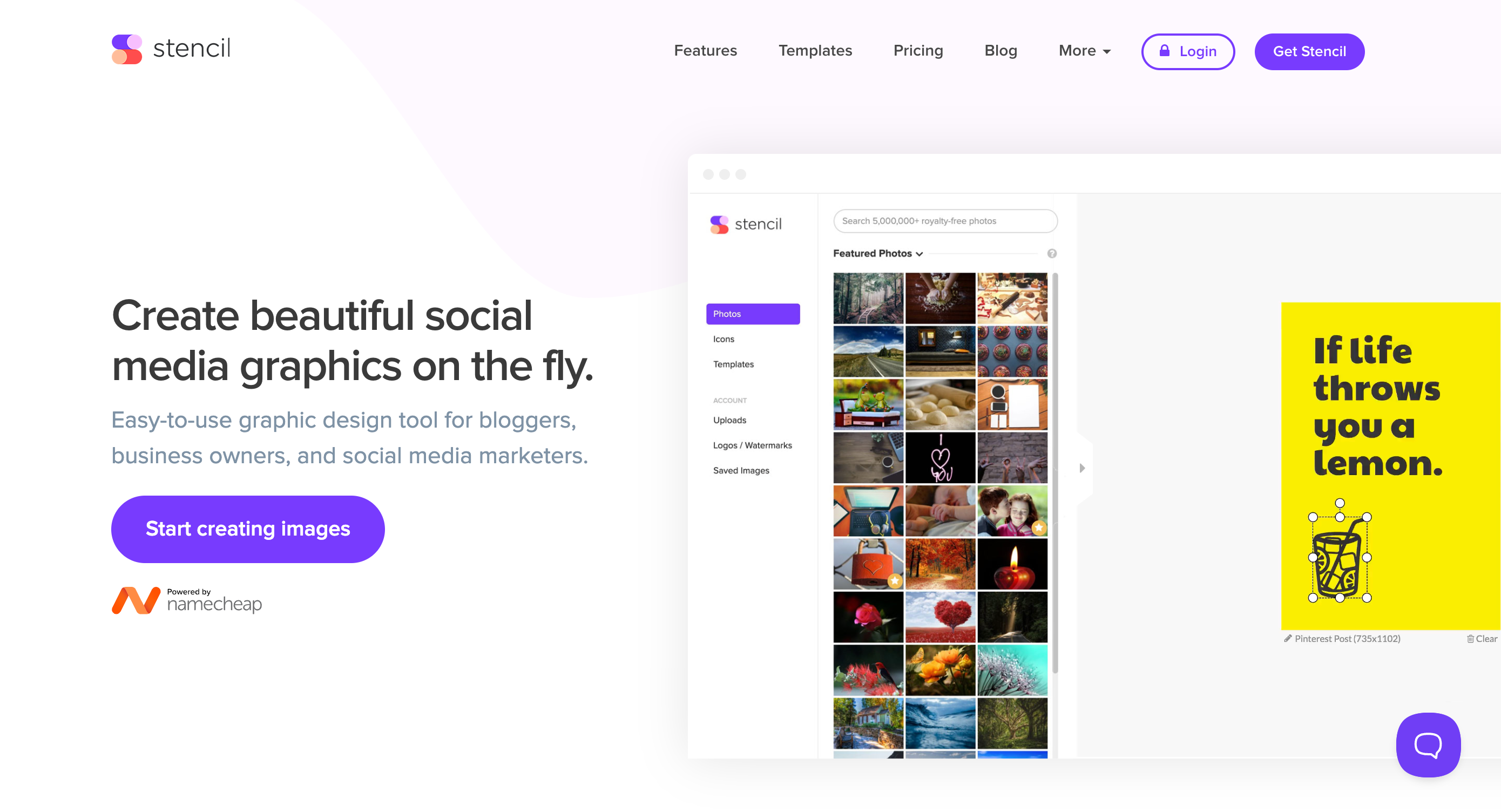
5. Stencil
Stencil is a hyper-focused, speed-oriented design tool built for bloggers, social media managers, and solopreneurs who publish frequently.
Why It’s a Top Snappa Alternative:
If Snappa is fast, Stencil is faster. Its minimalist UI and no-frills workflow make it one of the quickest ways to produce shareable social media content.
Key Advantages:
Rapid Creation Workflow: Pre-sized templates, keyboard shortcuts, and quick export features help users move from concept to post in under five minutes.
Huge Asset Library: Access over 5 million royalty-free images and thousands of icons and fonts, all within the editor.
Direct Publishing Integrations: Connect to Buffer, Facebook, Twitter, or WordPress for direct publishing without downloading.
Browser Extension: Capture and convert web content into graphics on the fly with the Stencil Chrome extension.
Best For:
Speed-focused bloggers, content marketers, or solopreneurs who want minimal clicks and maximum publishing efficiency.
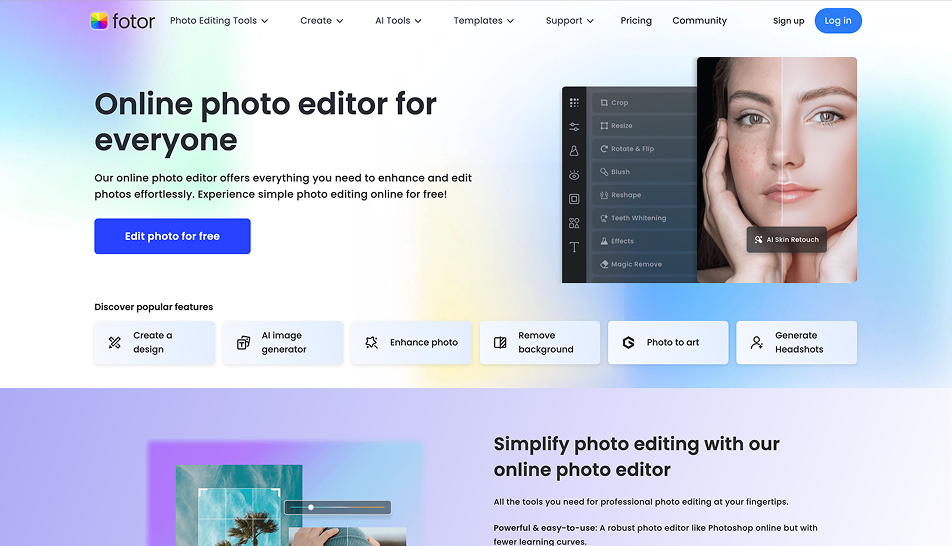
6. Fotor
Fotor is a hybrid design and photo editing platform that offers professional-grade photo enhancement alongside ready-to-use graphic templates. It’s ideal for users who rely heavily on visual storytelling through imagery.
Why It’s a Strong Alternative to Snappa:
While Snappa focuses mainly on quick design creation, Fotor lets you enhance your images before designing, giving you more control over how visuals appear across campaigns.
Key Advantages:
Advanced Photo Editing Tools: Includes HDR effects, one-click retouching, face smoothing, red-eye removal, and color adjustments for polished imagery.
Creative Templates: Offers a wide range of modern, editable layouts for flyers, posters, ads, infographics, and more.
Collage Builder and Batch Processing: Create multi-image layouts or apply edits across entire image folders—ideal for ecommerce and visual branding.
AI Tools for Productivity: Background remover, image enhancer, and object eraser are all AI-powered and accessible with minimal effort.
Best For:
Ecommerce sellers, photographers, and social media managers who rely on high-quality images and want more control over editing.
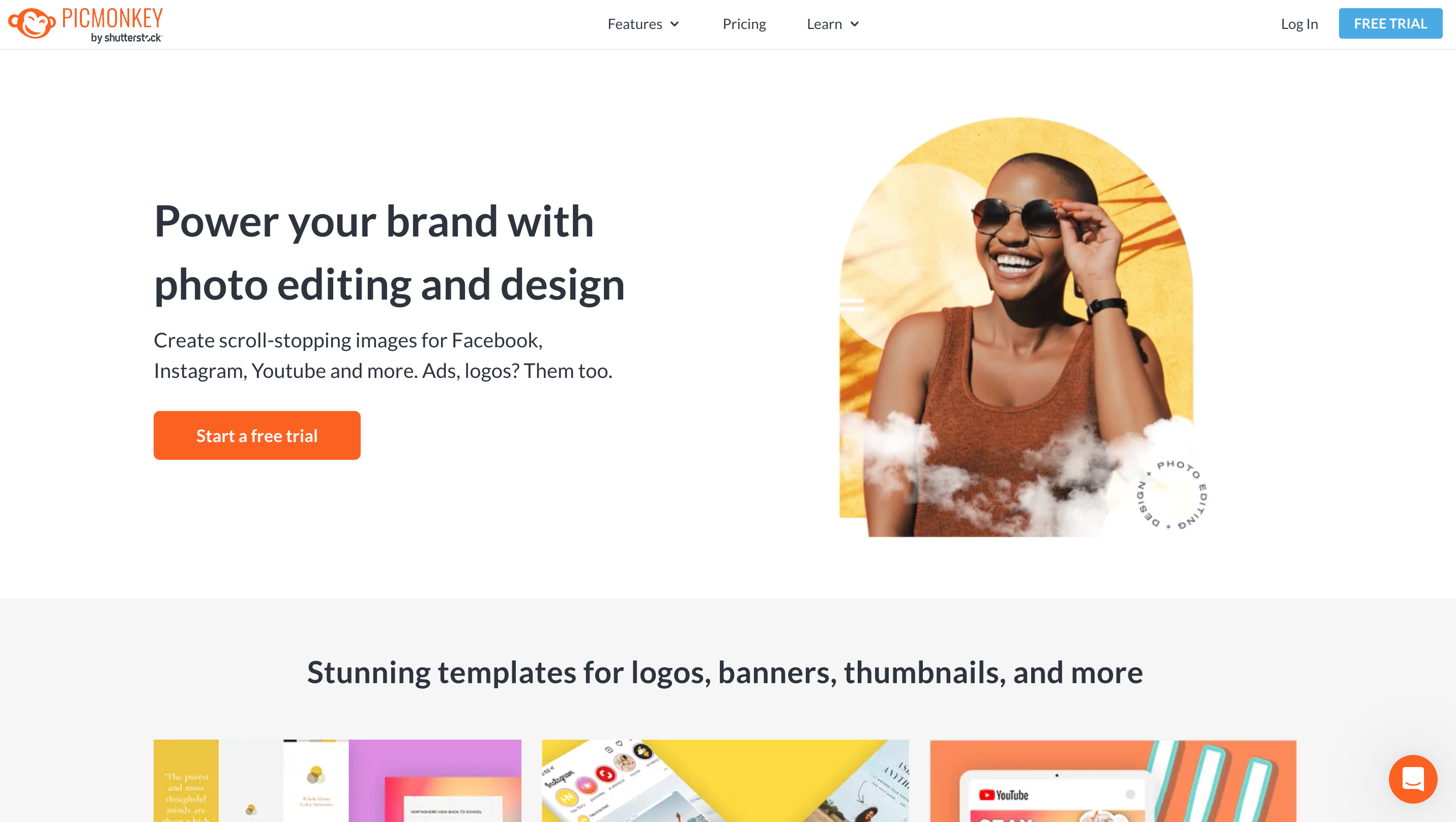
7. PicMonkey
PicMonkey bridges the gap between advanced photo editing and design. It offers Photoshop-like tools in a much more accessible, browser-based platform.
Why It Beats Snappa for Certain Users:
If you're creating highly polished images—especially for branding, headshots, or ecommerce—PicMonkey gives you layer-level control that Snappa can’t match.
Key Advantages:
Layered Editing & Effects: Work in layers like a pro. Add overlays, blend textures, or animate components of your design for added engagement.
Touch-Up Features: Adjust skin tone, remove blemishes, whiten teeth, and enhance lighting—ideal for product and portrait editing.
Brand Templates & Fonts: Save reusable, on-brand templates and upload your own fonts for a cohesive visual identity.
Motion Graphics Support: Animate elements or export GIFs for richer content types—great for ad campaigns and social media.
Best For:
Brands and content creators who want advanced control over design and retouching without the complexity of full design software.
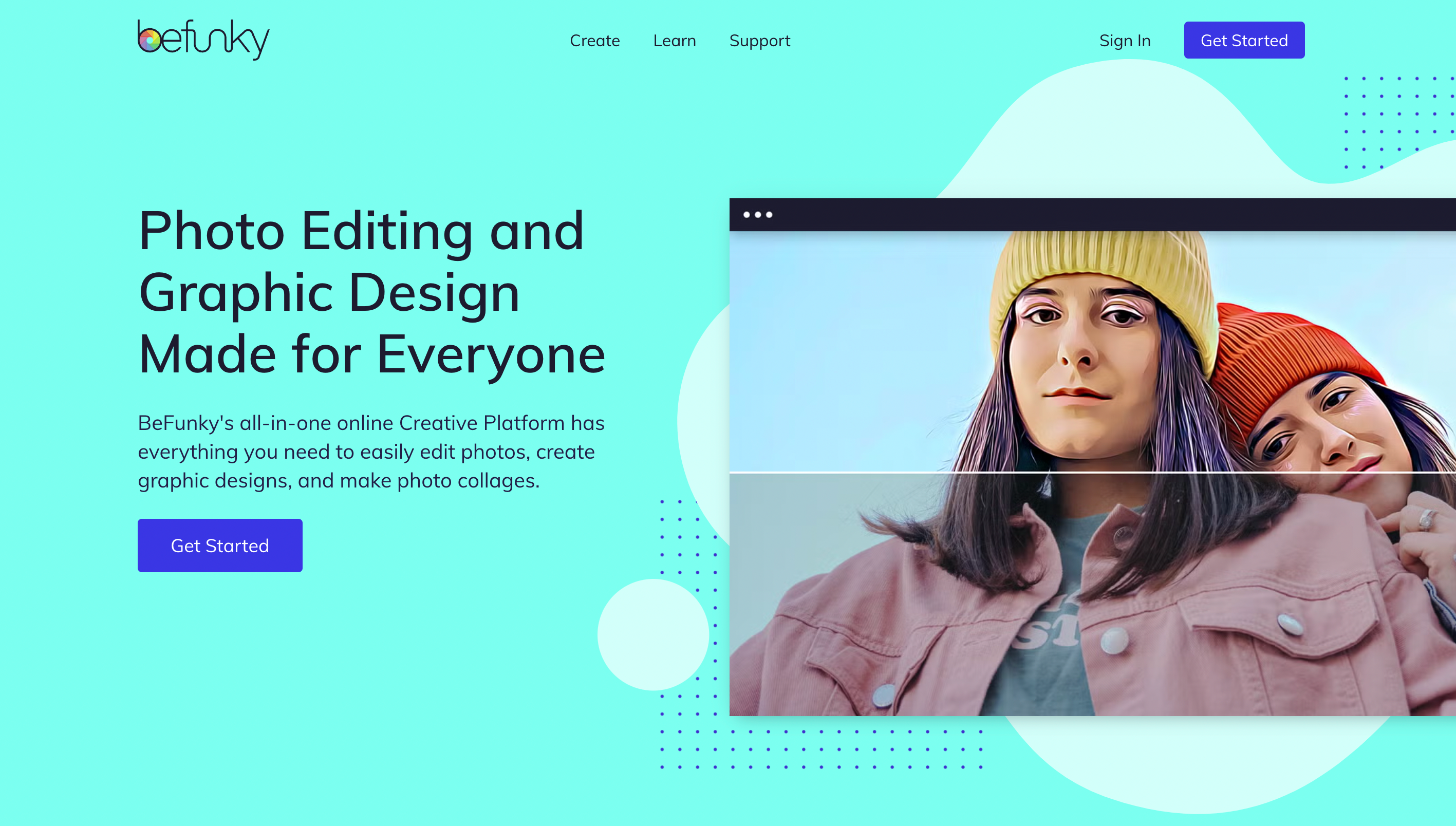
8. BeFunky
BeFunky is a fun, creative platform that combines photo editing, collage making, and design tools in one accessible space. It leans into artistic effects and personalization more than Snappa.
Why It’s a Unique Alternative to Snappa:
While Snappa is more structured, BeFunky allows for a more creative and expressive approach to visuals—ideal for storytelling and passion projects.
Key Advantages:
Artistic Effects Library: Convert photos into cartoon sketches, paintings, or pop-art creations with a single click.
Collage & Mood Board Creator: Drag and drop photos into customizable grids—perfect for events, classrooms, or personal branding.
Batch Editing & Photo Enhancements: Save time editing dozens of photos at once, great for event recaps or product catalogs.
Graphic Designer Mode: Create from scratch or use templates for resumes, posters, social graphics, and more.
Best For:
Teachers, bloggers, hobbyists, and creatives who want a fun, intuitive way to blend photos, design, and personality into one visual.
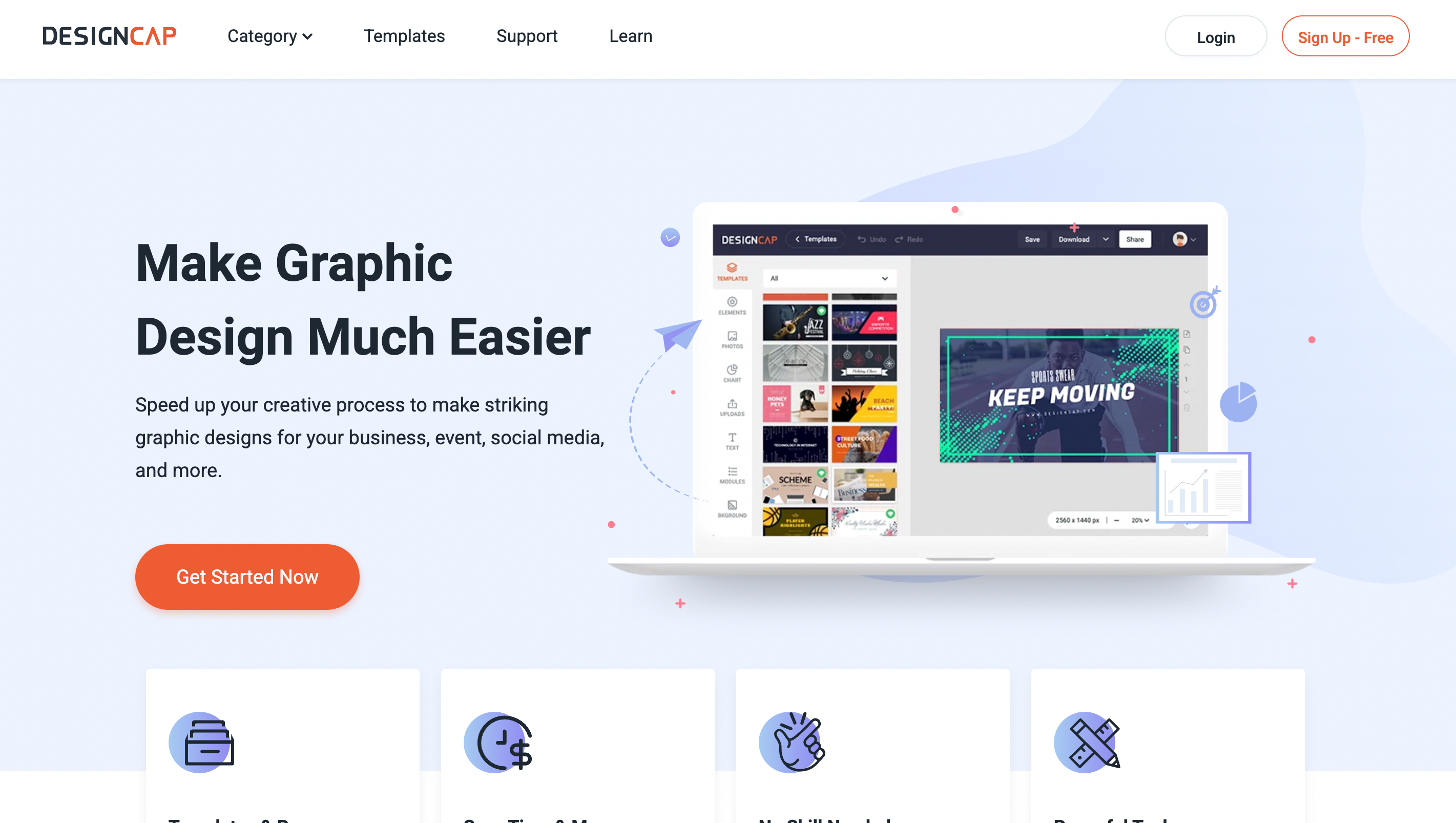
9. DesignCap
DesignCap is a clean and straightforward graphic design tool aimed at businesses, educators, and marketers who want fast, professional output without steep learning curves.
Why It’s a Solid Snappa Replacement:
DesignCap offers many of the same fast-design features as Snappa but adds more structure for reports, presentations, and business visuals.
Key Advantages:
Ready-Made Business Templates: Includes infographics, reports, posters, flyers, pitch decks, and promotional visuals ready to customize.
Data Visualization Tools: Add pie charts, bar graphs, and timelines using built-in data editors for reports and analytics-driven designs.
Easy Customization: Drag-and-drop interface supports logos, icons, charts, and brand colors for branded business content.
Quick Exports: Easily download or share via links—perfect for teams or event-based projects that require immediate delivery.
Best For:
Entrepreneurs, educators, and startup teams needing professional business visuals without complex software or subscriptions.
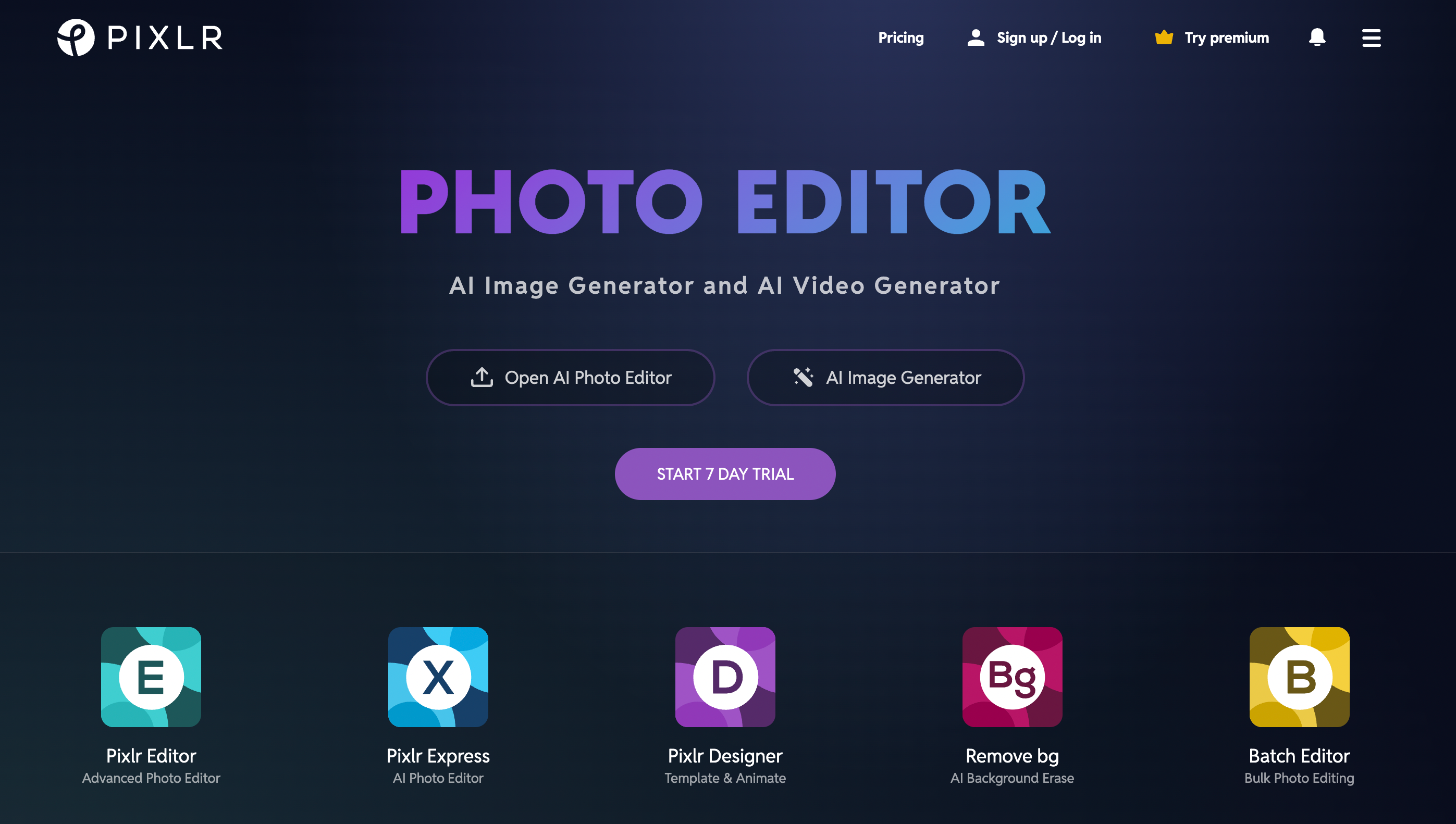
10. Pixlr
Pixlr is a high-powered, browser-based photo editor that feels like a slimmed-down Photoshop. It offers an impressive mix of precision tools and template-based design features.
Why It’s a Smart Upgrade from Snappa:
Pixlr is best for users who want to combine fine-tuned photo editing with design, especially if Snappa’s limited toolset is starting to feel too restrictive.
Key Advantages:
Advanced Editing Capabilities: Work with layers, masks, blending modes, and effects—great for fine detail and advanced manipulation.
AI Editing Tools: Remove backgrounds, smooth skin, and auto-enhance photos using fast, intelligent AI tools.
Template-Based Design: While not its core strength, Pixlr includes thousands of templates for social media, headers, ads, and more.
Cloud-Based Workflow: No downloads or installations—just load in your browser and get started.
Best For:
Photographers, graphic designers, and content creators who need advanced control without a heavyweight app or Adobe subscription.
Conclusion
Snappa is excellent for quick, clean social media graphics—but when you’re ready to grow your content strategy, you need more flexibility, creativity, and marketing power. The good news? You’ve got plenty of excellent options.
PosterMyWall is the best Snappa alternative if you want to design, animate, publish, and market—all from one place. It handles static and animated graphics, videos, social publishing, and email campaigns, making it perfect for solo entrepreneurs, small teams, and growing businesses.
Other Great Picks Based on Your Needs
Canva: Best for collaborative design and brand versatility
VistaCreate: Best for motion-rich social media content
Adobe Express: Best for clean, professional branding
Stencil: Fastest tool for daily social media graphics
Fotor or PicMonkey: Best for brands focused on polished photography
Pixlr: Best for advanced photo editing with template options
BeFunky & DesignCap: Best for creative or business visuals on a budget

 Canva vs. PosterMyWall
 VistaCreate vs. PosterMyWall
 Adobe Express vs. PosterMyWall
 Piktochart vs. PosterMyWall
 Snappa vs. PosterMyWall
 Fotor vs. PosterMyWall
 Placeit vs. PosterMyWall
 Visme vs. PosterMyWall
 Venngage vs. PosterMyWall
 Buffer vs. PosterMyWall
 Hootsuite vs. PosterMyWall
 Sprout Social vs. PosterMyWall
 Later vs. PosterMyWall
 Agorapulse vs. PosterMyWall
 Zoho Social vs. PosterMyWall
 Coschedule vs. PosterMyWall
 Sendible vs. PosterMyWall
 Loomly vs. PosterMyWall
 Stripo vs. PosterMyWall
 Mailchimp vs. PosterMyWall
 Constant Contact vs. PosterMyWall
 Brevo vs. PosterMyWall
 GetResponse vs. PosterMyWall
 Kit vs. PosterMyWall
 Moosend vs. PosterMyWall
 Omnisend vs. PosterMyWall
 Eventbrite vs. PosterMyWall
 Evently vs. PosterMyWall
 Facebook Events vs. PosterMyWall






